
Most people who search for Super Mario Bros on PC want the 1985 NES game, and the honest answer is that Nintendo has never sold it for Windows or Mac. What you find instead is a mix of browser versions, emulators, download sites of varying honesty, and official ways to play that need a Nintendo console. Here is how each one works in 2026, what it costs, and where the legal line runs.
Option 1: play it in the browser, no download
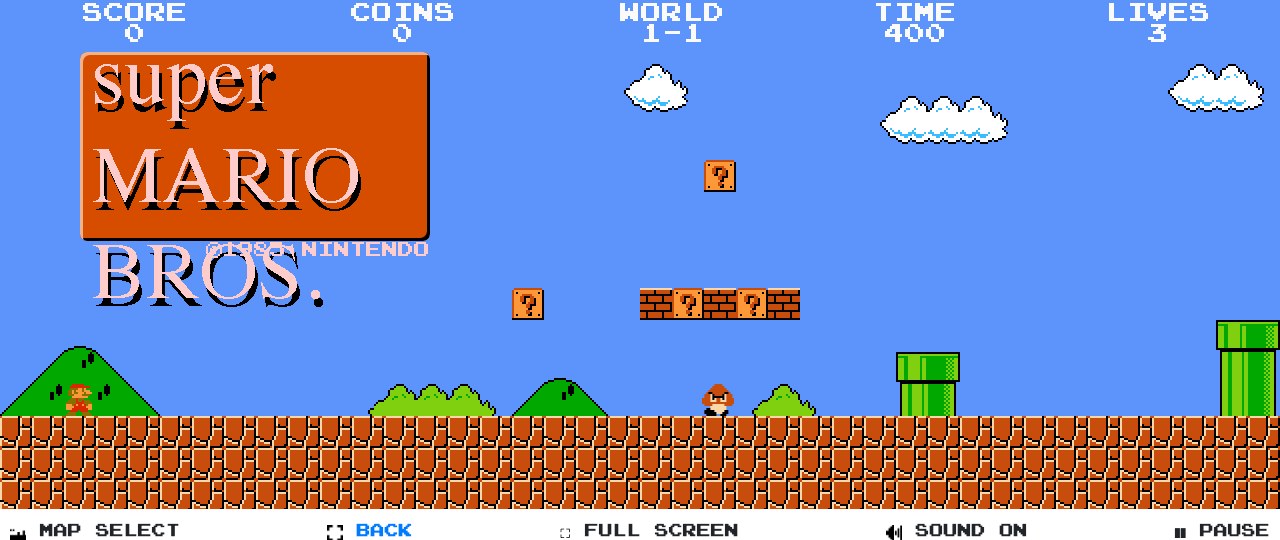
This is the quickest route and the one this site exists for. Open supermario-game.com, and the game loads in the page: all 32 levels, the original map layouts, enemies and physics recreated in JavaScript. Arrow keys or WASD move Mario, Shift or Ctrl runs and throws fireballs, P pauses, M mutes. The full-screen version fills the window, and the level list starts you at any world and level directly, which the cartridge never allowed.
What you need: any computer made in the last decade and a current browser. Chrome, Firefox, Edge and Safari all work. There is nothing to install and nothing to configure, which also means nothing to catch from a download site.
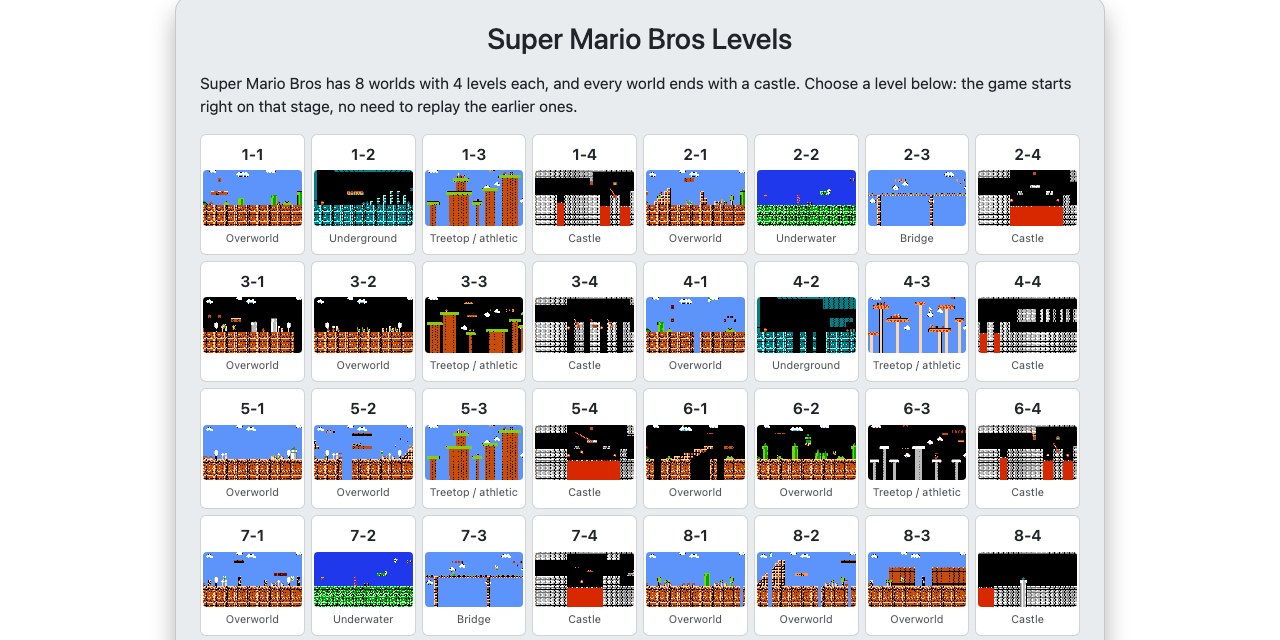
What you do not get: this is a recreation, not the original ROM. The feel is close, and the levels are the same, but a purist will notice differences in collision and timing. For playing on a lunch break it does not matter. For speedrunning the real game, it does.
Option 2: emulators and the ROM question
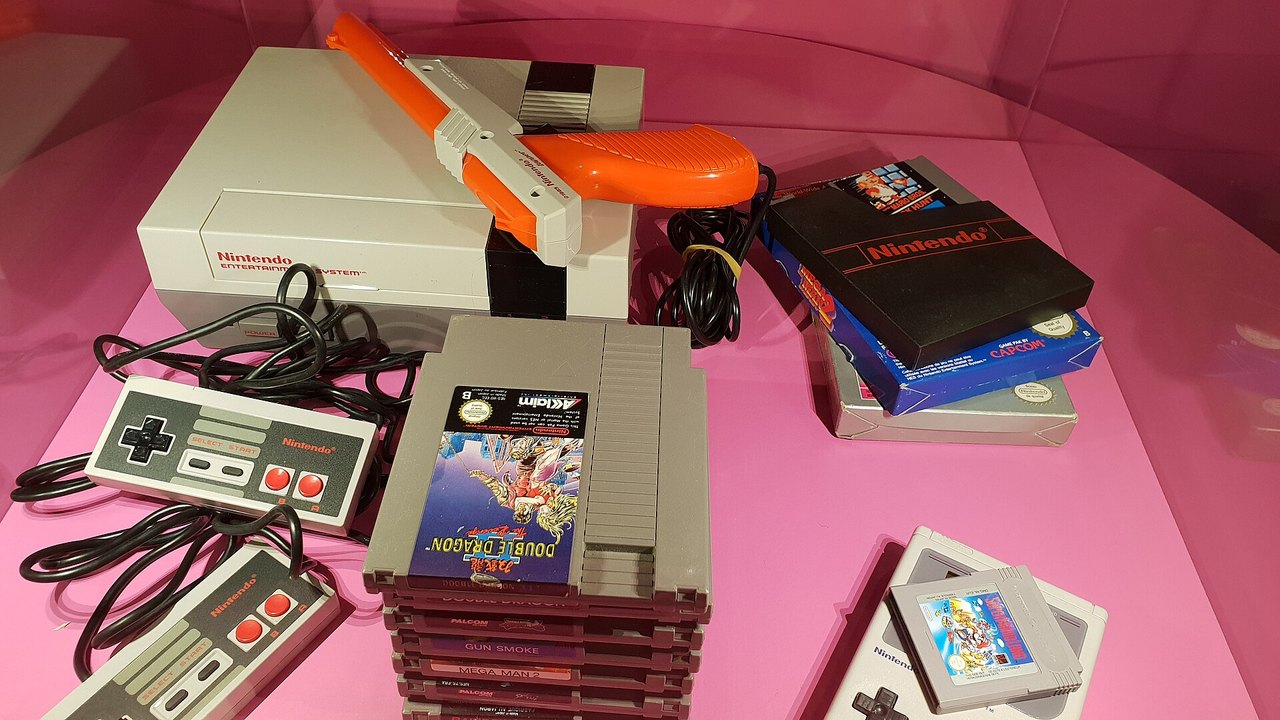
Emulators are programs that behave like the NES, so the original game runs on them unchanged. Mesen and FCEUX are the usual choices on Windows, OpenEmu on Mac, and all of them are free and legal. The game itself is the problem. The emulator needs a ROM file, a copy of the cartridge data, and Nintendo has never licensed that file for distribution. Downloading it from a website is copyright infringement in most countries, whether or not you own a cartridge. The legally clean path is dumping your own cartridge with a reader, which almost nobody does.

Practical risk comes on top of the legal one. “Super Mario Bros download for PC” is a search that malware authors have been targeting for twenty years. Executable installers that promise the game are the classic delivery method for adware and worse. If a site asks you to run a setup.exe to play a 40-kilobyte NES game, close the tab.
Option 3: the official routes
Nintendo’s own way to play the original is Nintendo Switch Online. The NES library in the subscription includes Super Mario Bros, The Lost Levels, Super Mario Bros 2 and 3, with save states, rewind and online play. It needs a Switch or Switch 2 and a subscription, so it is not a PC solution, but it is the only way to play the real cartridge code with Nintendo’s blessing.
Then there is Game & Watch: Super Mario Bros, the anniversary handheld from 2020, with the original game and The Lost Levels on a small colour screen. Nintendo stopped making it in 2021, and second-hand prices have climbed past what it cost new. Again, not a PC, but if you want the game in a drawer rather than a browser tab, it is the nicest object Nintendo made for it.
Controls on a keyboard
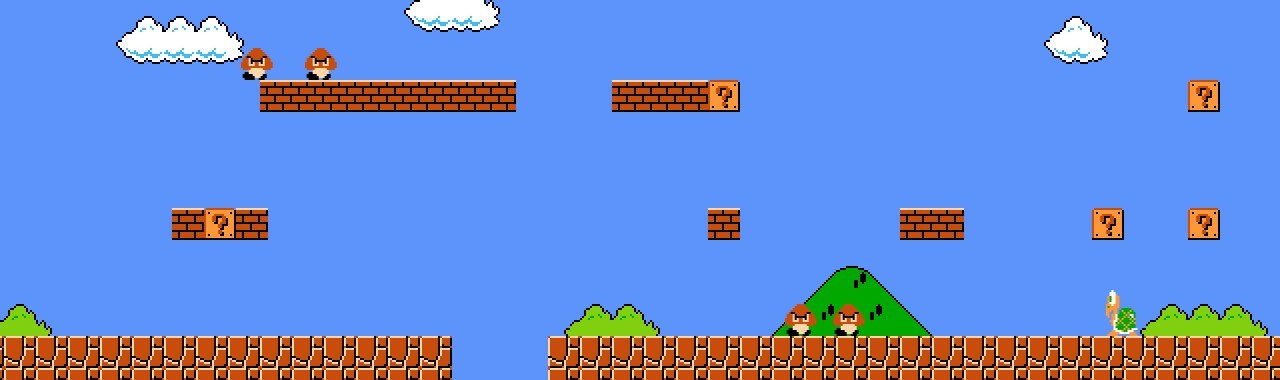
The NES controller had two buttons and a d-pad, so a keyboard loses nothing. Two habits carry over from the original. Hold the run key before you jump; a running jump clears gaps a standing jump cannot. And hold the jump key: the longer you hold it, the higher Mario goes, up to a limit. Players coming from modern games tap the key and wonder why Mario keeps hitting his head on blocks.
If you prefer a gamepad, a USB or Bluetooth controller works in the browser through the standard gamepad support of Chrome and Firefox, though mapping varies and the keyboard is honestly fine.
On a laptop or a phone
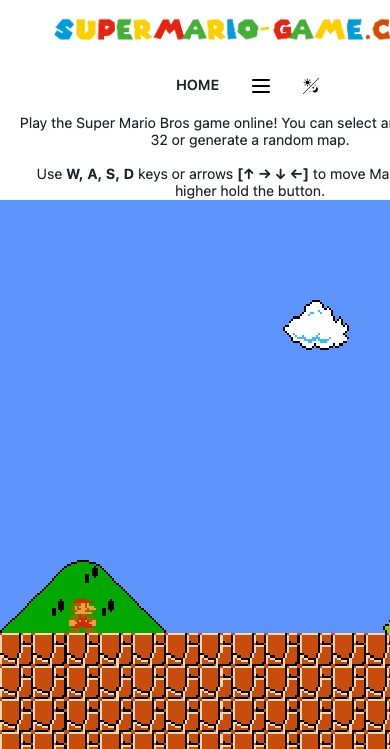
Laptops behave like desktops. Phones and tablets get a separate build with on-screen buttons, and the game grows when the phone is turned sideways. It is the same levels and the same engine, so a game you start on a work PC can be continued on the bus, except that there is no account and no cloud save: the game starts fresh each time, which, for a game from 1985, is how it was always meant to be played.
Short version
Browser for instant play, Switch Online for the genuine article, emulator only with a ROM you dumped yourself, and no installers from download sites. If you only want to run through 1-1 one more time, the first option takes ten seconds: start at World 1-1.